

Key Takeaways
Summary
22 items · 20–45 minutes
Why a Pre-Send Review Is Worth the Time
Most resume mistakes aren't made in the writing — they're made in the rushing. Candidates spend hours crafting their experience, then submit in two seconds without a final pass. That last review is where errors get caught before a recruiter or an applicant tracking system (ATS) sees them first.
ATS software — the automated tools most mid-size and large employers use to screen applications — can misread unconventional formatting, miss keywords, or reject files outright if they're submitted in the wrong format. Understanding how these systems operate is worth the read before you start applying at scale. See what applicant tracking systems actually do to your resume for a clear breakdown of the mechanics.
This checklist is designed to be used for every application — not just the ones you're most excited about. Run through it in order. It takes under an hour and can meaningfully change whether your application reaches a human.
Word processor (Google Docs or Microsoft Word)
Used to draft, edit, and format your resume before exporting to PDF.
PDF export function
Converts your resume to a stable file format that preserves formatting across devices and systems.
Spell-check or grammar tool
Catches surface-level spelling and grammar errors before a human or ATS reads your document.
Job posting (printed or open in a separate window)
Used as a reference to align your language and keywords with the employer's stated requirements.
A trusted second reader
A colleague, mentor, or career center contact who can catch errors and inconsistencies you've become blind to.
The Pre-Send Checklist
Work through these groups before uploading or emailing your resume. Flag items you need to fix, resolve them, then do a final read-through from top to bottom.
Content & Tailoring
Contact Information
Formatting & Readability
Proofreading
File & Submission
Don't Ignore the Submission Instructions
Employers sometimes specify file format, file naming conventions, or which documents to include — and failure to follow those instructions can disqualify an otherwise strong application. Always re-read the application page immediately before uploading. If the posting says to include a cover letter, include one. If it requests a Word file, send a Word file, not a PDF.
A Few Common Mistakes Worth Calling Out
Beyond the checklist items above, certain errors show up repeatedly across resumes — and they're worth naming directly.
Generic objective statements
Phrases like "seeking a challenging role where I can grow" tell a recruiter nothing and take up valuable space. Replace them with a tight two-to-three sentence professional summary that connects your background to the role you're applying for.
Listing duties instead of outcomes
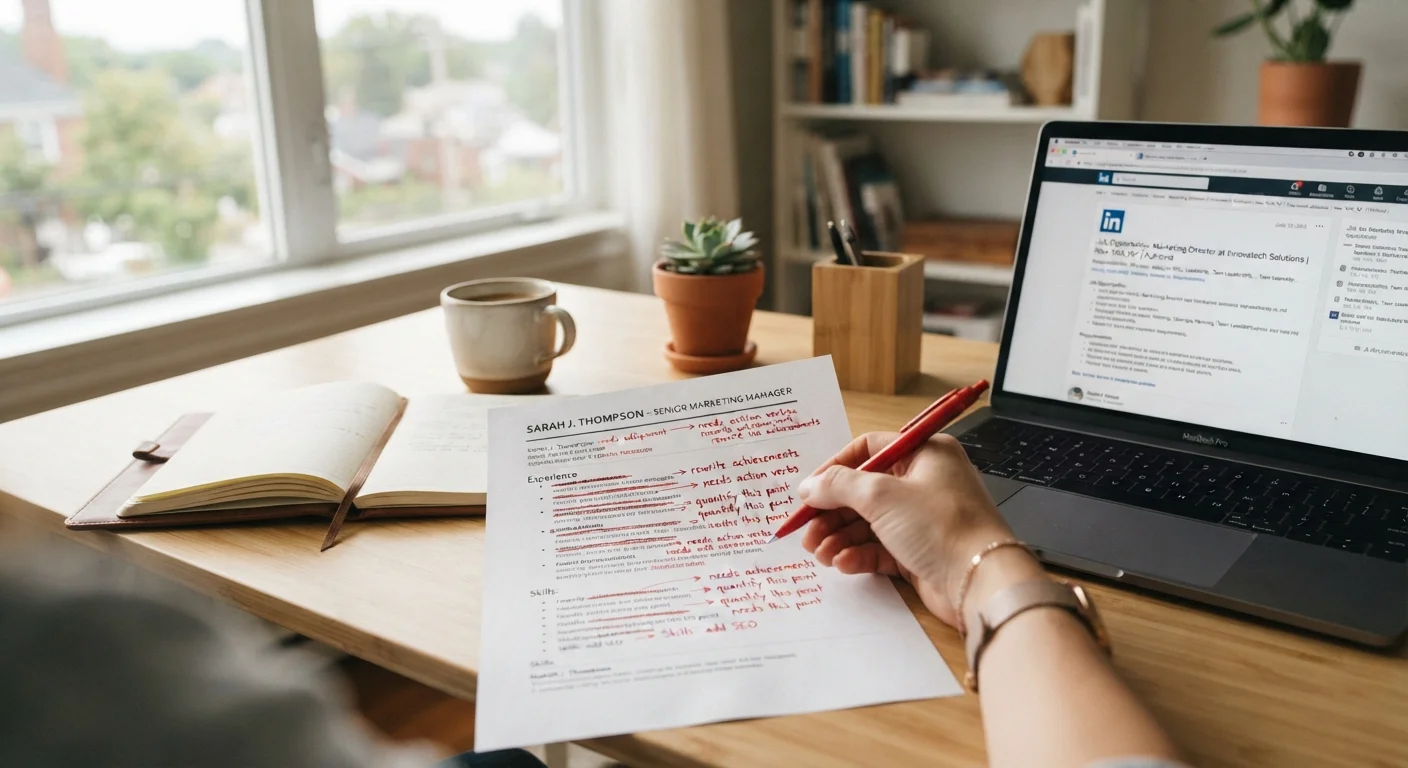
"Responsible for managing social media accounts" is a duty. "Grew Instagram engagement by 40% over six months by shifting to video-first content" is an outcome. Wherever possible, reframe your bullet points around what you achieved, not just what you were assigned.
Using the same resume for every application
Not every job requires full tailoring — but some clearly do. Signals that a job posting deserves a tailored application walks through which postings warrant the extra effort. At minimum, mirror the job title and two or three key terms from the posting in your resume so ATS filters don't screen you out on terminology alone.
Skipping the human read
After all your edits, read the resume aloud from start to finish. Your ear catches awkward phrasing that your eye skips. Then send it to someone you trust for a second opinion. If you're looking for broader context on how the overall hiring process works, the modern job search process explained is a useful starting point before you begin applying in volume.