

Key Takeaways
Our Verdict
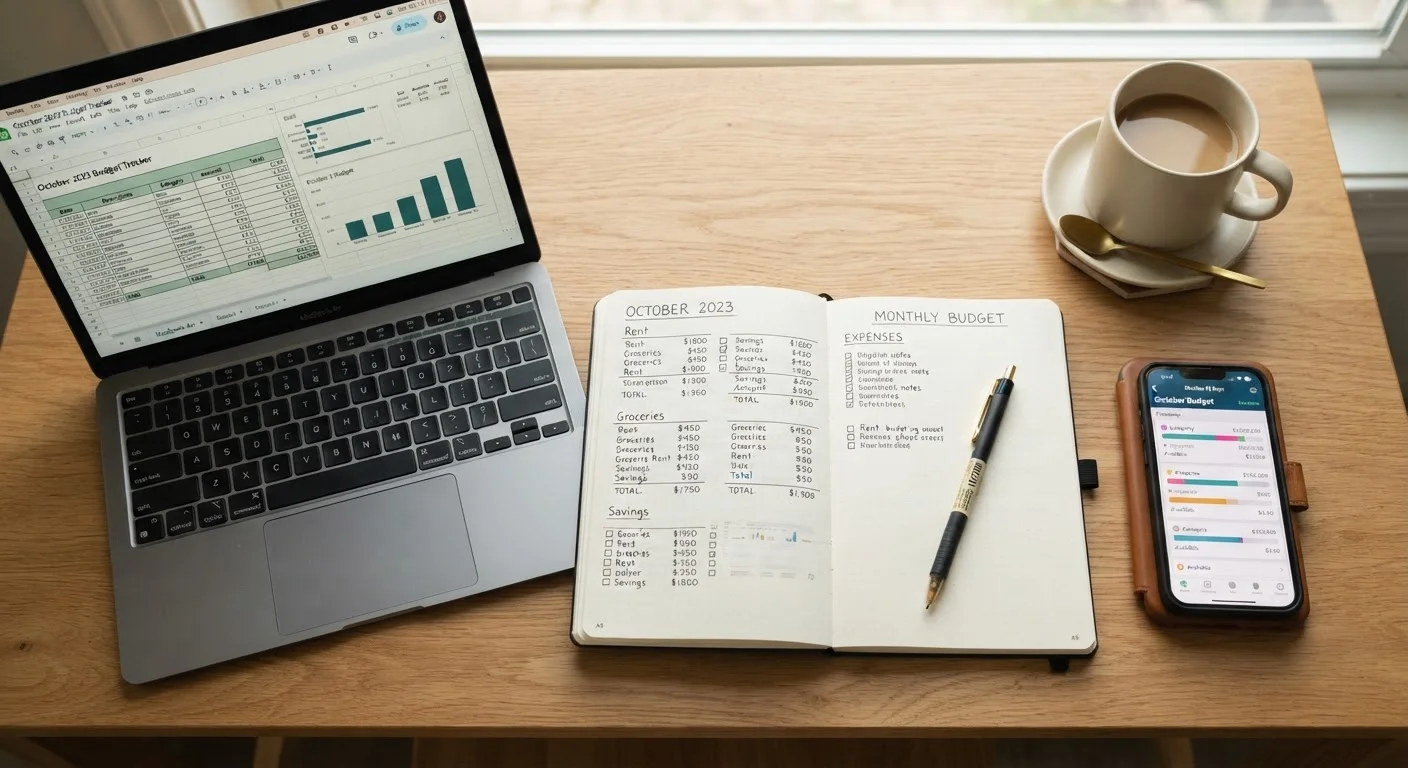
All three budgeting formats can work well — the differences come down to how you learn, how much time you want to invest, and whether you prefer tactile control or automated convenience. Beginners often benefit most from starting simple, whether that means a notebook or a free template, and upgrading only when they have a clear reason to.
| Best for | Recommended |
|---|---|
| Those who retain information better when writing by hand | Paper planner |
| Those who want full control and customization at no cost | Spreadsheet |
| Those with variable income or multiple accounts needing automation | Budgeting app |
| Those managing finances with a partner | App or shared spreadsheet |
Why the Format Matters More Than You Think
Most budgeting advice focuses on which system to use — the 50/30/20 rule, zero-based budgeting, and so on. But the format you record it in matters just as much. A perfect budget framework that you abandon after two weeks beats nothing. A simple format you return to every month actually moves the needle.
If you're still deciding on a framework, our guide comparing popular budgeting frameworks covers the most widely used approaches side by side. Once you have a method in mind, the three format options below — paper, spreadsheet, and app — each have real strengths worth weighing honestly.
Paper Planner: Slow, Deliberate, and Surprisingly Effective
Writing things down by hand forces you to slow down and think. Research on note-taking suggests that handwriting engages the brain differently than typing, which can improve retention — and when it comes to spending awareness, that cognitive friction is a feature, not a bug.
Where it works well:
- You prefer a screen-free routine, especially in the morning or evening.
- You have a relatively simple financial picture — one income source, predictable bills.
- You want to feel more emotionally connected to where your money goes.
Where it falls short:
- Running totals and category math must be done manually each time.
- There's no automatic sync with your bank — every transaction has to be entered by hand.
- It can feel tedious quickly if your spending has many small, frequent transactions.
Start Simple, Then Upgrade
If you've never tracked spending before, start with whatever requires the least setup — even a basic notebook or a downloaded template. Building the habit of reviewing your money regularly matters far more than having the perfect tool. Once tracking feels natural, you can evaluate whether a more feature-rich option would genuinely help.
The pros and cons of tracking every penny are worth reading before committing to a paper log — granular tracking has real upsides and real downsides.
Spreadsheet: Full Control, Zero Cost
A spreadsheet — whether in Google Sheets, Excel, or a similar tool — is the most flexible budgeting format available. You design exactly what you track, formulas handle the math automatically, and you own your data completely. Many free templates are available to get started without building one from scratch.
Where it works well:
- You're comfortable with basic software and want to customize categories over time.
- You want a free option with no subscription and no third-party data sharing.
- You like being able to see months of data in one place and spot trends visually.
Where it falls short:
- You still need to enter transactions manually unless you export data from your bank.
- Beginners without spreadsheet experience may find formula setup intimidating.
- Sharing with a partner requires cloud syncing or careful version management.
If you're budgeting with a partner, a shared cloud spreadsheet can work well — though purpose-built tools may make collaboration smoother. See our piece on budgeting as a couple for more on shared-finance options.
Budgeting App: Automated but Not Without Trade-offs
Budgeting apps connect directly to your financial accounts, categorize transactions automatically, and send alerts when you're nearing a spending limit. For people with busy schedules or complex finances — multiple accounts, variable income, irregular expenses — that automation is genuinely useful.
Where it works well:
- You want real-time visibility without manual data entry.
- Your finances span several accounts or income streams.
- You respond well to push notifications and visual dashboards.
Where it falls short:
- Many apps charge a monthly or annual subscription fee — an ongoing cost to weigh against the value.
- Linking bank accounts means sharing credentials or read-only access with a third party — review the app's privacy policy before connecting.
- Automatic categorization isn't always accurate and may require regular correction.
Read the Privacy Policy Before Linking Accounts
Budgeting apps that connect to your bank accounts require access to sensitive financial data. Before linking, review what data the app collects, how it's stored, and whether it's shared with or sold to third parties. Look for apps that use read-only access and clearly disclose their data practices.
After you've chosen a format and started tracking, a monthly review is essential. Our monthly spending audit checklist walks through exactly what to look for at the end of each cycle.
How to Choose — and What to Do After
| Paper Planner | Spreadsheet | Budgeting App | |
|---|---|---|---|
| Cost | Low (notebook + pen) | Free to low (software may vary) | Free to moderate (subscription fees common) |
| Setup effort | Very low | Low to moderate | Low (account linking required) |
| Customization | Fully manual | High — build what you need | Limited to app's structure |
| Automation | None | Formulas only | High — auto-syncs transactions |
| Privacy | Fully private | Fully private | Third-party data access |
| Best for | Simple finances, tactile learners | DIY types, multi-month tracking | Busy schedules, complex accounts |
A few honest questions can help you decide: Do you actually open your laptop or phone to review finances, or does that feel like a chore? Have you bounced between tools before? If so, think about what caused you to stop — boredom, complexity, or just forgetting. Match the format to your real behavior, not your ideal behavior.
Starting with whatever feels lowest-friction is rarely wrong. You can always migrate to a more sophisticated tool once tracking becomes a habit. If you want a structured monthly checkpoint regardless of which format you pick, a monthly budget health check gives you the right questions to ask yourself before each new cycle begins.
This article is for general informational purposes only and does not constitute personalized financial advice. Consider speaking with a qualified financial professional about decisions specific to your situation.